Key points
- A PDF can look great on desktop and still fall apart on mobile, where pinching and scrolling make reading awkward.
- If you need to distribute catalogs, magazines, or proposals with a polished look, publishing PDFs as interactive flipbooks usually delivers a clearer, more sellable experience.
- Not every solution does the same job: some prioritize web viewing, others editing, and others conversion to a flipbook with easier navigation.
- The interactive format makes sense when presentation, load time, and easy sharing without losing the design really matter.
- Before choosing a tool, check whether your team only needs to view content or also measure, update, and reuse it.
There is a very specific moment when a PDF stops working the way you expected: you send it, the client opens it on their phone, and the pinch-to-zoom, side-scrolling, and page-lost-again routine begins. If your sales, editorial, or brand material depends on a smooth reading experience, publish PDFs as interactive flipbooks stops sounding like a nice idea and starts looking like a practical decision.
You do not always need to rebuild the content from scratch. More often than not, you already have the right document; what fails is the reading and sharing experience. That is when it makes sense to look at other ways to publish the same file so it looks better, loads more gracefully in the browser, and is easier to send, open, and remember.
Real options for publishing PDFs as interactive flipbooks
The first decision is not visual, but operational. Do you want the PDF to keep downloading as a traditional file, or would you rather have it open as a navigable piece designed for clicking, page turning, and moving around effortlessly? That answer changes the tool you need completely.
Downloadable PDF with links and bookmarks
This is the simplest option: you keep the PDF file and add internal links, buttons, or bookmarks. It works well when the document is already well laid out and you only need to improve basic navigation. It is also useful if your priority is letting anyone save it locally and consult it without relying on a special web experience.
The limitation shows up quickly. On mobile, reading still feels clunky if the design was made for print. And even if the document has hyperlinks, it still feels like a file, not like a piece built for digital consumption.
PDF embedded in a web page
Here, the document is placed inside a website using a viewer or PDF player. It can be enough for internal resources, dossiers, or materials that do not require a highly polished presentation. It also helps if you want to host the content on your own site without making things too complicated.
The problem is that behavior depends a lot on the browser and device. Some viewers display the file well, while others do not handle zooming, navigation, or initial loading in the same way. If you want a consistent experience, this option often comes up short.
Interactive flipbook
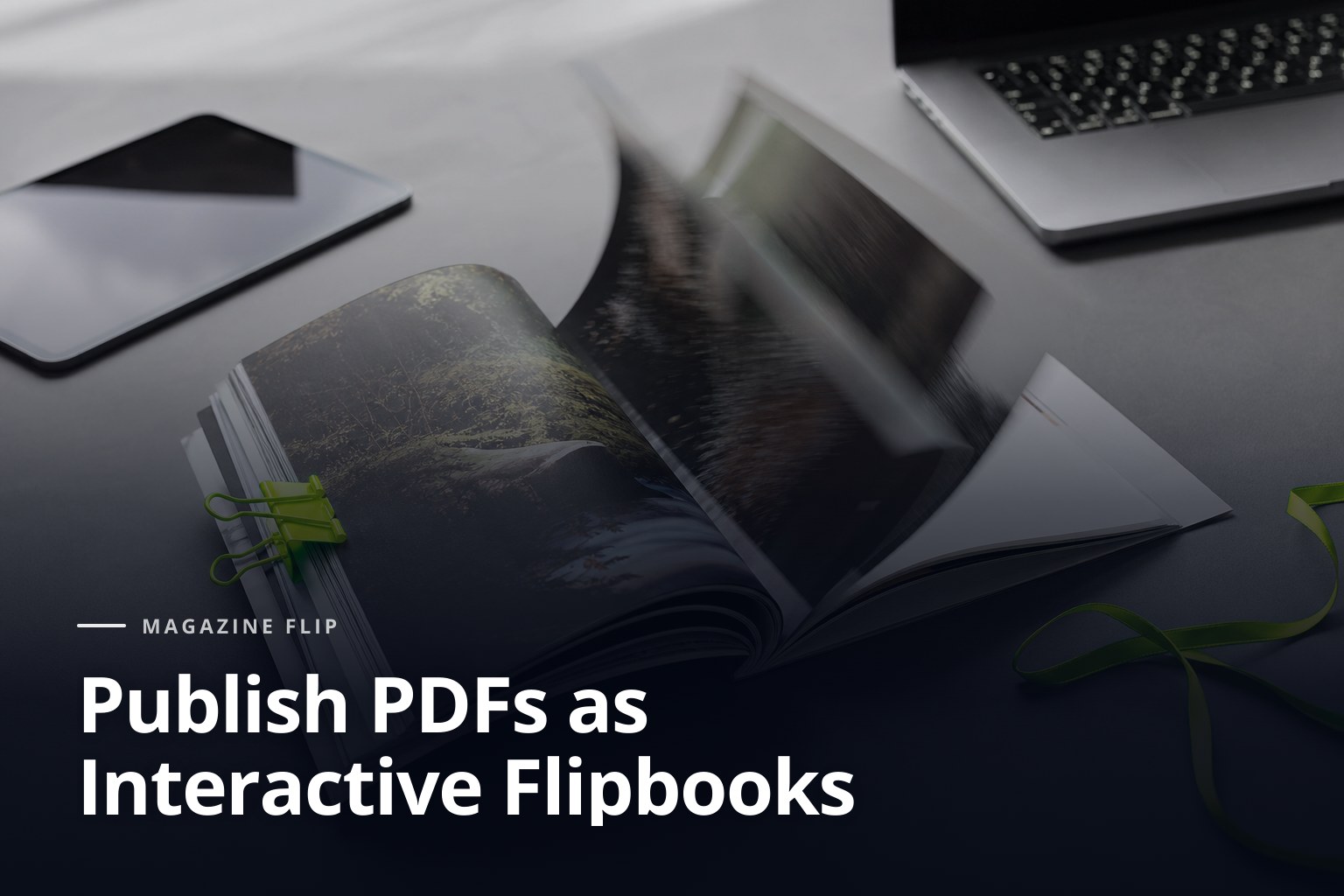
When we talk about publishing PDFs as interactive flipbooks, this is often the alternative that comes closest to comfortable, visual reading. The file is turned into a flipbook that simulates page turns and offers more natural navigation, especially on small screens.
Here, presentation matters more. A product catalog, a company magazine, or a sales proposal is perceived better when the user can move page by page, jump between sections, and share a link instead of a heavy file. If you need the material to look good without forcing a download, this format fits better than a traditional PDF.
Landing page or microsite with repurposed content
There are cases where it is better not to think in terms of a document, but in terms of a sequence of web sections. If your content changes often or you want to distribute specific parts, it may be better to pull the most important pieces out of the PDF and turn them into a web page or microsite.
This option takes more editorial work, but it gives you more control over reading and search visibility. It does not always replace the PDF, though it can work as support when the content needs to live on the web and not just be downloaded.
When it is worth publishing PDFs as interactive flipbooks
The clearest signal usually comes from usage itself. If the file is sent by email, opened on a phone, and needs to project a polished image, the interactive format starts to justify the effort. The same goes for lots of visual material: pages with photos, tables, product ranges, portfolios, multi-section proposals, or publications that depend on the reading order.
There is another, less visible clue: when your team keeps forwarding the same file with small explanations, screenshots, or clarifications because the navigation is not helping. That means the content is there, but the experience is not. Turning it into an interactive version reduces friction without forcing you to redo the whole thing.
For brands, publishers, and sales teams, the practical benefit usually comes down to three things: better mobile reading, a cleaner presentation, and easier sharing. Add a unique URL to that, and the material stops circulating as a stray attachment and starts behaving like a digital piece you can open, show, and resend with more control.
It is also worth looking at the document’s lifecycle. A seasonal catalog, a digital magazine, and a sales proposal do not have the same demands. If the content changes little but needs to look good, a flipbook is a sensible bet. If it changes every week, you may need a different mix of web, document, and editorial updates.
What to check before choosing a tool
Not every tool for publishing PDFs as interactive flipbooks solves the same problem. Some focus on fast conversion, others on visual customization, and others on web delivery. Before deciding, it is worth checking a few points that directly affect the result.
Load speed and mobile behavior
If the document takes too long to open or behaves awkwardly on small screens, the experience breaks. It is not enough for it to look nice on desktop. Real-world use usually happens on mobile, in email, and through shared links in work conversations.
Sharing and access options
Ask how the content is shared: link, embed code, send button, or website integration. The easier it is to open, the less you depend on attachments and the less likely the file is to end up forgotten in an inbox.
Design control and brand consistency
A flipbook should not look like a generic document. Check whether you can adjust the cover, navigation, colors, logos, and links so the material keeps a consistent look and feel. In sales or editorial projects, that consistency is noticeable from the first screen.
Tracking and maintenance
You do not need to turn every PDF into a complex piece, but you do need to know what you will be able to update later. If the catalog changes, if the proposal is revised, or if the magazine needs a new edition, the tool should let you keep the workflow moving without starting over. The W3C Web Accessibility Initiative documentation is a good reference for thinking about clear reading and real use, not just appearance.

What a good publishing workflow should look like
The smoothest workflow usually starts with the PDF design, not the tool. If the original file is packed with tiny text, cramped columns, or heavy images, conversion will not work miracles. A clean document with visual hierarchy and pages designed for digital navigation adapts much better to the interactive format.
Then comes the technical preparation. It is worth checking that links work, titles are readable, pages do not depend on elements that are too small, and the content order makes sense when turning pages. If the material is going to live on a screen, reading logic matters as much as aesthetics.
This is where a product like Magazine Flip fits when the goal is to turn a PDF into a shareable, more enjoyable piece to read. It does not replace editorial judgment, but it does simplify the move from a closed file to a navigable flipbook without forcing you to rebuild the entire content.
Once the document is published, the job is not over. You need to test it on several devices, open it from a real link, and check whether the navigation still feels comfortable. That is where you catch the issues that go unnoticed on desktop: slow-loading pages, hard-to-see buttons, or elements that distract more than they help.
Mistakes that make the document lose impact
The most common mistake is confusing conversion with improvement. Turning a PDF into a nice-looking viewer does not fix poorly organized content. If the pages have no rhythm, if the text is cramped, or if the cover does not promise anything, the interactive format will only polish the problem.
It also often goes wrong when too many elements are added. Videos, buttons, calls to action, and menus can help, but if they overwhelm the reading experience, users end up wondering what to look at first. A good flipbook does not need to feel like an overloaded sales presentation; it needs to feel clear.
Another frequent misstep is forgetting how the file will really be used. If your internal team consults it on a desktop but the final recipient gets it on a phone, that is the scenario you need to prioritize. Publishing PDFs as interactive flipbooks makes sense precisely because the document stops being tied to the desktop.
If you want to review formats, uses, and application cases in more detail, the Magazine Flip notebook can serve as a starting point for comparing approaches without wasting time on irrelevant tests.
Signs your document needs a different format
- The file is too heavy and people share it reluctantly.
- The reader has to zoom in to understand text, tables, or images.
- The document is used more as a link than as a download.
- The material has visual value and needs a more polished presentation.
- The team keeps repeating explanations because the PDF does not guide reading well.
If you recognize two or more of these signs, you have probably already hit the limits of the traditional PDF. At that point, changing formats is not a trend; it is a way to reduce friction and make the content work harder.
Frequently asked questions about publishing PDFs as interactive flipbooks
Does a flipbook always replace the PDF?
Not always. The PDF is still useful for downloads, archiving, and formal sending. A flipbook usually works better when you want a more visual, lighter reading experience that is easier to share by link.
Can it be used on mobile without losing readability?
Yes, as long as the original layout is designed for digital reading. If the document has text that is too small or too much visual density, the problem does not disappear when you convert it.
What kind of content works best?
Catalogs, magazines, annual reports, sales proposals, and visual dossiers usually adapt very well. Highly technical documents or ones with lots of tables may need extra review before publishing.
Do you need to rebuild the content from scratch?
Not necessarily. In many cases, it is enough to prepare the original PDF better and convert it into an interactive format that preserves the structure and improves navigation.
How do you choose between a web viewer and a flipbook?
If you only want to show a file without changing the experience too much, a viewer may be enough. If you want smoother reading, a more polished presentation, and easier sharing, a flipbook usually fits better.
If you are thinking about publishing PDFs as interactive flipbooks for catalogs, magazines, or proposals, it is worth trying a solution that does not force you to rebuild the whole document and works well on both mobile and desktop. Magazine Flip can help you turn that file into something easier to open, present, and share.
If you want to explore which format fits your material best or review plans before moving your next document, you can check the pricing and compare which option suits you best based on volume and publication type.